
Graphics cards · NVIDIA, AMD and Intel GPUs
Pick the right graphics card the first time
Current GeForce RTX, Radeon RX and workstation cards from ASUS, GIGABYTE, MSI, Sapphire, XFX, ZOTAC and other board partners. Every listing gives you the full specifications, power and size requirements, so you can check the card fits your PC before you buy.

Shop by GPU family
Three ways in
Start with the chip maker you prefer, or with the kind of work the card has to do.

GeForce RTX
NVIDIA’s RTX 50 series, with DLSS 4 and ray tracing, for gaming, streaming and CUDA-based creative apps.

Radeon RX
AMD’s RDNA 4 cards with FSR 4 upscaling and 16GB of memory on most models, for 1080p through 4K gaming.

Workstation & AI
Radeon AI PRO, Intel Arc Pro and NVIDIA RTX Ada cards for local AI models, rendering and CAD.
Match the card to your screen
Which tier do you need?
Your monitor’s resolution and refresh rate decide most of it. Buying above your screen rarely pays off; buying below it shows up in every game.
1080p gaming
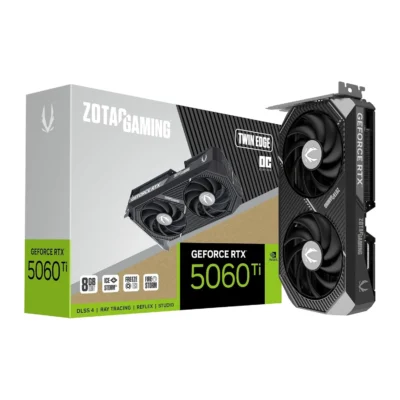
RTX 5060 · RTX 5060 Ti · RX 9060 XT
High settings at 1080p and a good start on 1440p. A sensible first build or an upgrade from a card that is several generations old.
1440p high refresh
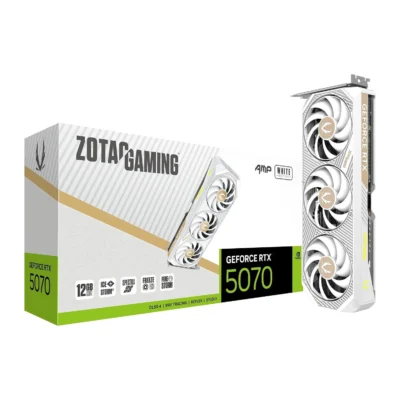
RTX 5070 · RX 9070 · RX 9070 GRE
The sweet spot for most players: fast 1440p with ray tracing switched on, plus headroom for streaming and video editing.
4K gaming
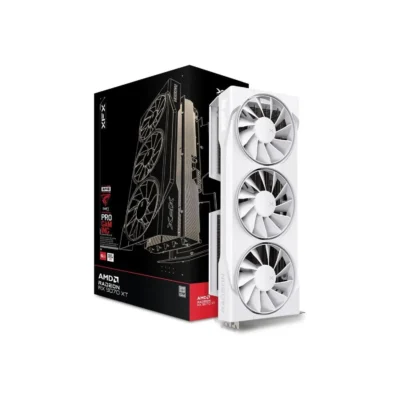
RTX 5070 Ti · RTX 5080 · RX 9070 XT
4K at high settings and very high frame rates at 1440p. Check your power supply: most of these cards want 750W or more.
No compromises
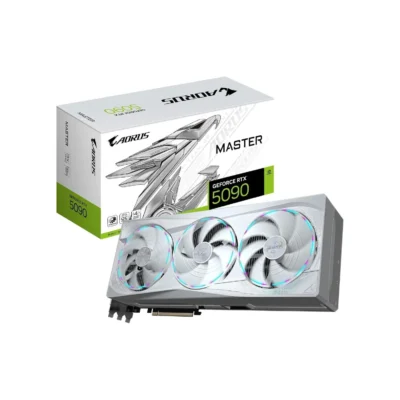
RTX 5090 · 32GB GDDR7
The fastest consumer GPU, for 4K at the highest refresh rates, 8K video and large local AI models. Needs a 1000W-class supply and a big case.
The range
Current cards
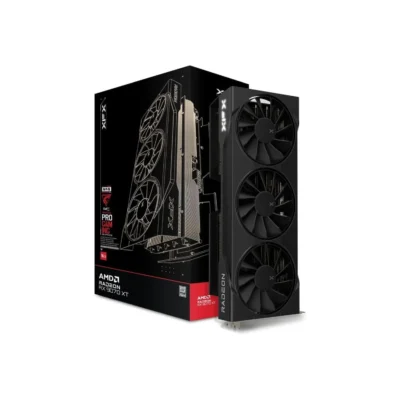
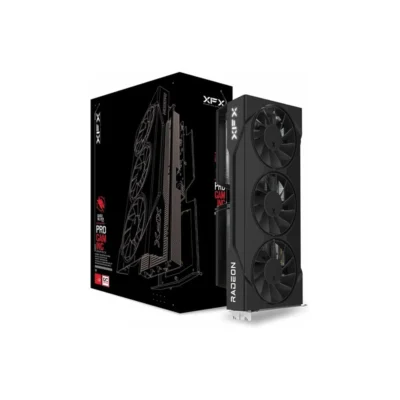


Before you order
Four things to check
Each product page lists these numbers. Our compatibility guide explains how to find yours.
Power supply
Compare the recommended wattage with the label on your PSU, and leave some margin for the rest of the system.
Power connectors
Newer cards use a 16-pin 12V-2×6 plug; others take two or three 8-pin cables. Make sure your PSU has the right ones.
Length and thickness
Flagship cards can pass 330 mm and take 3 to 4 slots. Check the maximum GPU length in your case manual.
Motherboard slot
Any PCIe x16 slot works. On older PCIe 3.0 boards, cards wired for eight lanes lose some speed; each listing shows the lane count.